Devices
Apple Health integration
Updated
In the app: Your daily steps
- Steps, confirmed
In the app: Your runs, rides and walks
- Workout type, confirmed
- Start and end, confirmed
- Duration, confirmed
- Distance, not confirmed yet
- Calories, not confirmed yet
- Average heart rate, confirmed
- Average pace, not confirmed yet
- Elevation gain, not confirmed yet
In the app: Your heart rate through the day
- Heart rate, confirmed
- Resting heart rate, confirmed
- Heart rate variability, not confirmed yet
In the app: Your nights
- Start and end, confirmed
- Time asleep, confirmed
- Stages, confirmed
Steps in Biomon shows your daily steps. From Apple Health, it gets steps.
What Biomon reads
On iPhone, Biomon reads steps, workouts, heart and sleep from Apple Health, only the kinds you allow, including what your Apple Watch saves there.
- Steps
- Workouts
- Heart
- Sleep
Biomon asks for these kinds of data. It shows only what Apple Health shares and you allow.
How it connects
Apple Health on your iPhone
How to connect
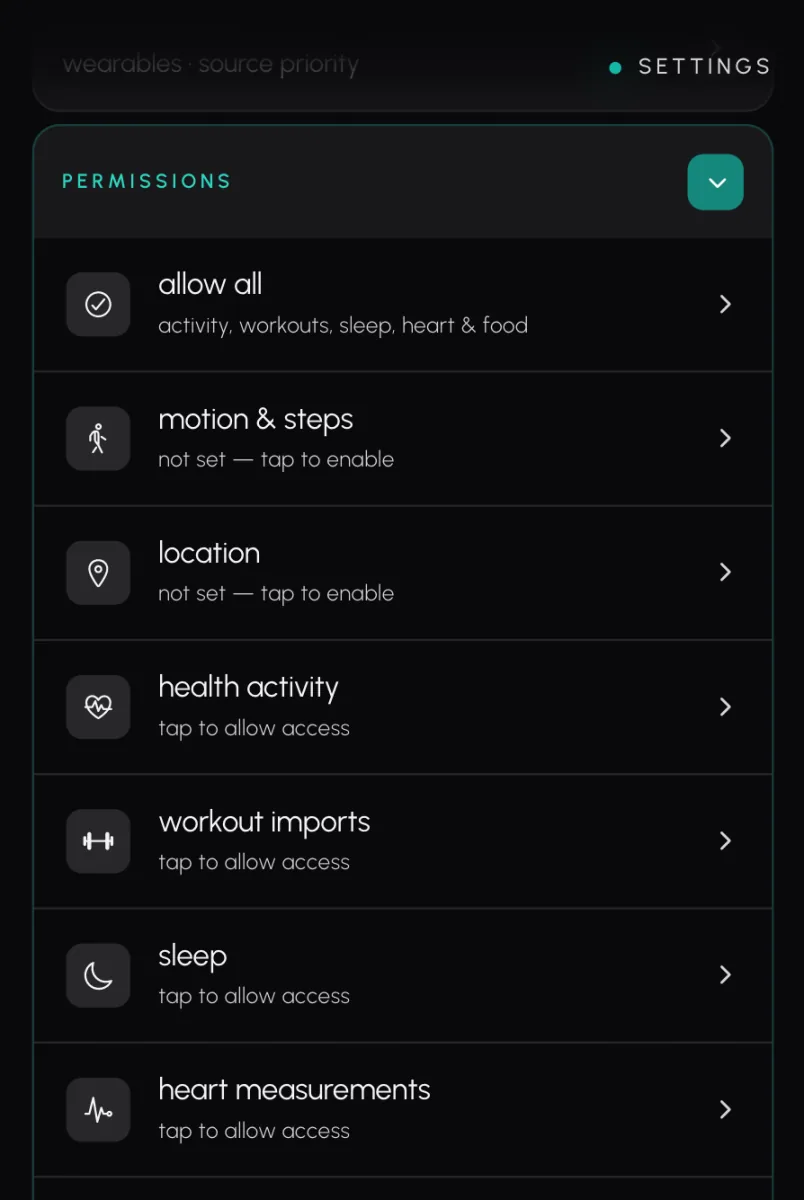
- In Biomon, open Settings then Permissions.
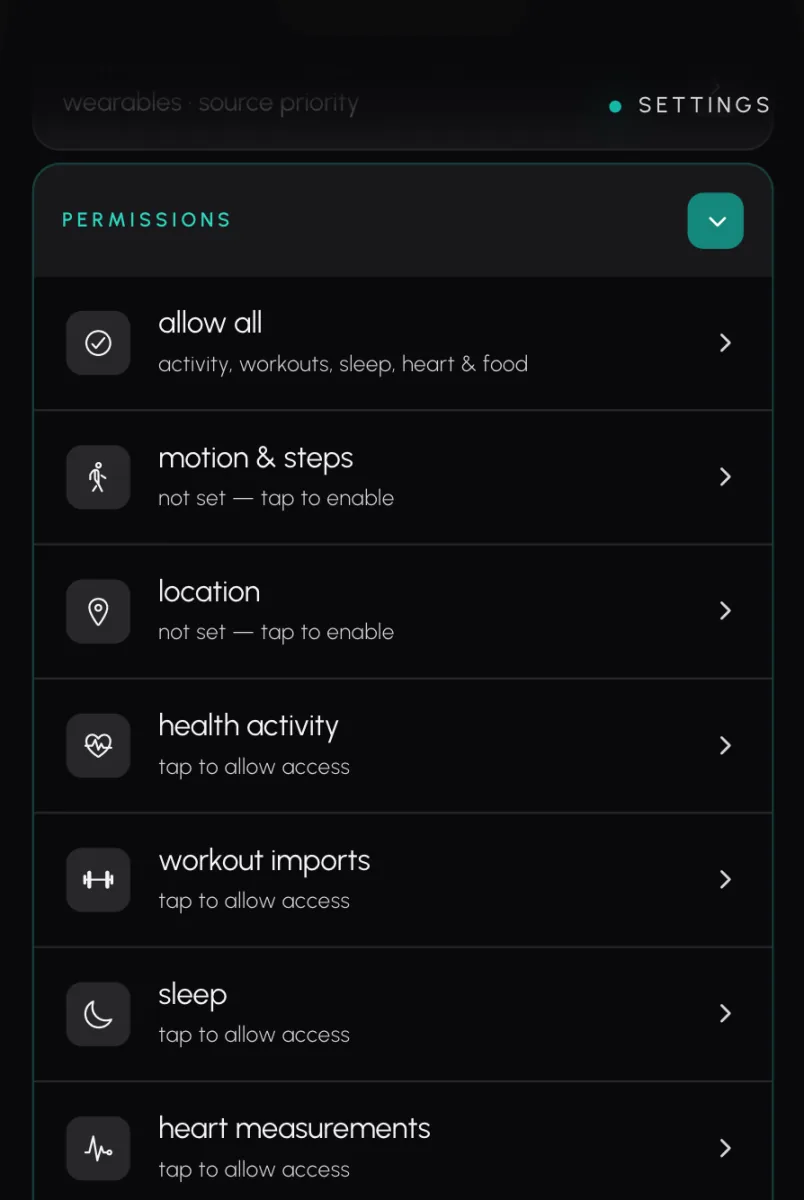
- Tap Health activity, Workout imports, Sleep or Heart measurements. Each asks for its own kind of data.
- On the Apple Health screen, turn on the data you want to share, then tap Allow.
- To change it later, open the Health app, tap your profile picture, then under Privacy tap Apps then Biomon.
Questions
Does Biomon work with Apple Health?
Yes, on your iPhone. Biomon reads Apple Health for the kinds of data you allow.
What does Biomon read from Apple Health?
Biomon asks Apple Health for steps, workouts, heart and sleep. It shows only what Apple Health shares and you allow.
How do I connect Apple Health to Biomon?
Open Settings > Permissions in Biomon, tap a kind of data and allow it on the Apple Health screen.